Behavior Pack vs Resource Pack: What Is the Difference?
Behavior packs control how things work. Resource packs control how things look. Here is how the two team up to make a full Minecraft Bedrock addon.
If you have ever opened the Add-Ons screen, you have seen two lists: behavior packs and resource packs. They sound similar, but they do very different jobs.
The short answer
- A behavior pack changes how things work: mob behavior, damage, loot, recipes, scripts and game rules.
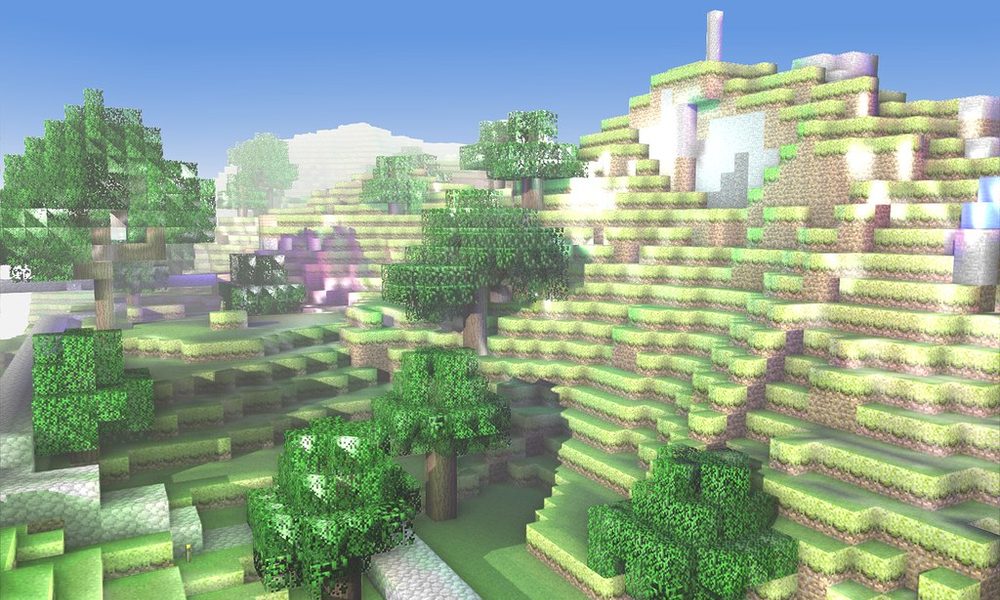
- A resource pack changes how things look and sound: textures, models, animations, sounds, particles and menus.
Think of a custom zombie. The behavior pack says how fast it moves, how much health it has and what it drops. The resource pack gives it a new model, skin and growl sound.
Why many addons have both
A big addon needs both halves. A new vehicle needs behavior to drive and a resource pack so it does not look like a plain box. That is why many downloads are .mcaddon files: one file that carries both packs and installs them together.
How they find each other
Every pack has a manifest.json file with a unique ID, a name and a version. The behavior pack can list the resource pack as a dependency, so Minecraft knows they belong together. When you activate one, the game can ask you to activate the other.
Can you use one without the other?
Yes, with limits. A texture pack is just a resource pack, and plenty of tweaks and rule changes are just behavior packs. But if an addon was made as a pair, using only one half usually gives you missing textures or items that do nothing.
Where scripts fit in
Modern addons often include scripts written with the Script API. Scripts live inside the behavior pack. They can add custom UI, commands and clever systems that plain data files cannot do. Some need an experimental toggle, so always read the addon page.
Tips for players
- Activate every pack an addon gives you.
- Keep your list short. Fewer packs means fewer clashes and a faster game.
- Put resource packs you want to win at the top of the list.
Tips for creators
Start with a resource pack to change one texture. It is the safest way to learn the folder layout. When you are ready for logic, add a behavior pack and link the two. We walk through that in how to make your first Minecraft addon.
Want to see real examples? Browse the addon library and open any page to see which packs are inside.